Setting Up Local LLMs on a Ryzen 7 1700: A Cautious Approach

I recently prepared an older desktop system for local chat and coding tasks. The machine is built around a Ryzen 7 1700 processor, with approximately 15 GiB of usable system RAM and two NVIDIA GTX 1080 Ti graphics cards. The goal was straightforward: establish a local environment capable of running open-source models for practical use. However, the process required careful attention to the hardware status and a strict distinction between setup milestones and actual validation.
Hardware Status and Driver Errors
During the initial driver activation phase, one of the two GTX 1080 Ti cards began reporting fan and power errors, followed by a kernel GPU error. These reports were consistent. I attempted to resolve the issue by testing another revision of the same driver family. This alternate revision did not resolve the errors. At this stage, the root cause of the errors remains unproven. The symptoms and the unsuccessful driver change do not establish a specific cause. The useful result here is a record of recurring errors, rather than a diagnosis or a repair.
Selecting a Single GPU
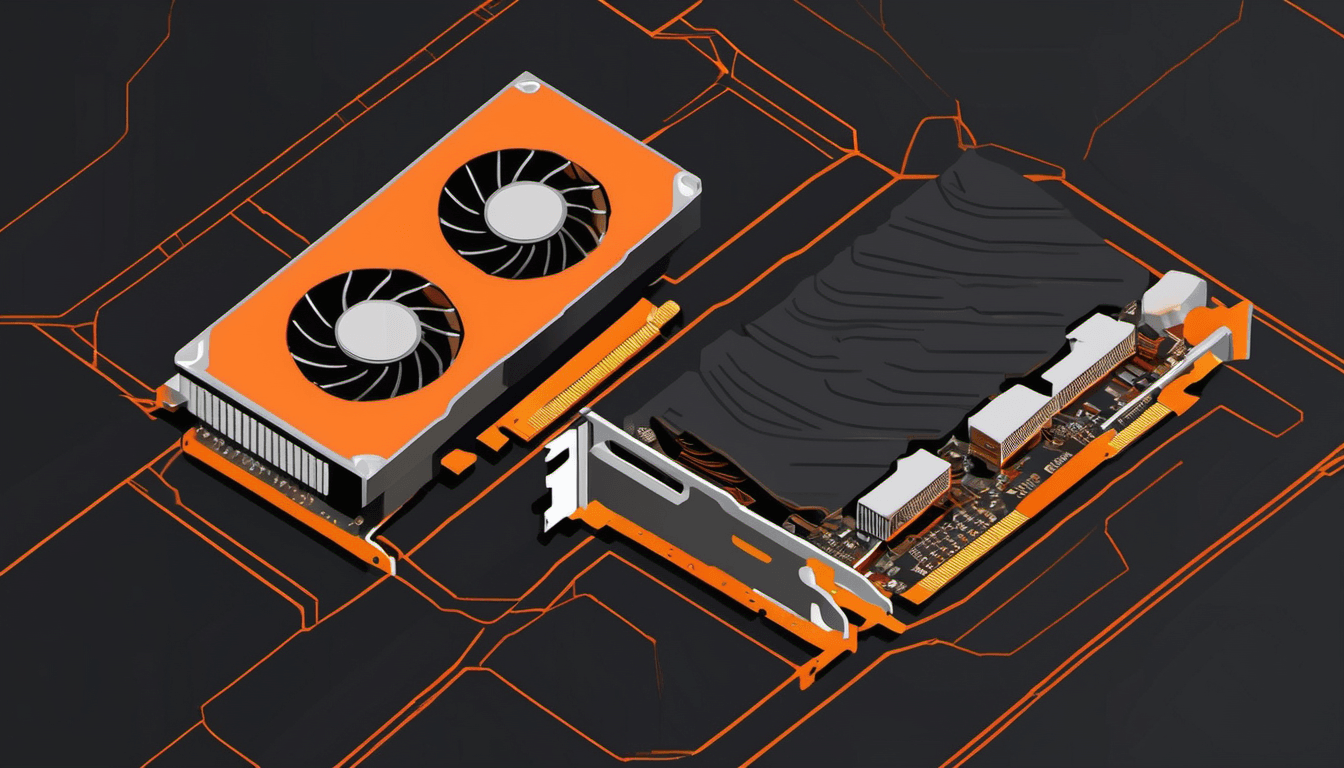
Given the unresolved errors on one card, I made a decision regarding the inference setup. I selected the ASUS GTX 1080 Ti card alone for inference. It is important to clarify what this decision does and does not mean. Selecting one card for software use is a configuration choice. It does not physically isolate the other card from the system, nor does it repair that card. This selection records the intended direction for inference; it is not evidence that access was successfully limited to the ASUS card or that the system was fully stable.
Selecting a Single GPU
Software Installation and Model Download
With the hardware configuration decided, I moved to the software layer. I installed Docker and the NVIDIA Container Toolkit to manage the environment. On top of this foundation, I installed Ollama. I then downloaded the Qwen 3.5 9B model for local testing. The installation of the software stack and the download of the model were completed. These completed setup steps do not establish the model's VRAM requirements, memory use under load, or sustained behavior. Having a model available for testing is a useful milestone, but it leaves those operational questions open.
Inspecting a Coding Response
To verify that the inference pipeline was functioning, I generated a short coding response. The model produced an addition function and an assertion block. I visually inspected this code for correctness. I did not execute the code. This was a critical distinction. The goal was to confirm that the system could generate text, not to validate the correctness of the generated logic through execution. The function and assertion were inspected, not executed, so this sample does not demonstrate tested code correctness.
Interpreting the Metrics
The system reported that this short response consisted of 25 tokens generated in 0.583 seconds. It is essential to interpret this data with caution. This was a tiny warm sample. It is not a benchmark. It does not represent sustained performance, reliability, or throughput. This measurement should not be extrapolated into a claim about extended use. A longer workload would need its own observations before I could make a useful comparison. It simply confirmed that the hardware and software stack were communicating and producing output.
Methodological Considerations
This experience highlights the importance of distinguishing between a setup milestone and validation. Installing software and downloading a model are necessary steps, but they do not prove the system is ready for sustained workloads. Similarly, generating a short response confirms basic functionality but does not validate performance or reliability. When working with older hardware, it is crucial to avoid assuming that a successful initial test implies long-term stability. The errors on the second GPU remain unresolved, and the root cause is unknown. Possible next steps include longer generations or sustained-load tests; this short response supplies no evidence of their outcomes. The takeaway is to proceed with caution, clearly define what has been tested, and avoid overpromising based on initial, limited data.