Computers
Personal PC builds and write-ups — hardware, photos, and the thinking behind each one, from retro revivals to high-end workstations.
BrainBox: The Intelligent Workhorse of Our Tech Ecosystem
Discover how the BrainBox server powers our AI-driven projects, machine learning tasks, and data-intensive computations.
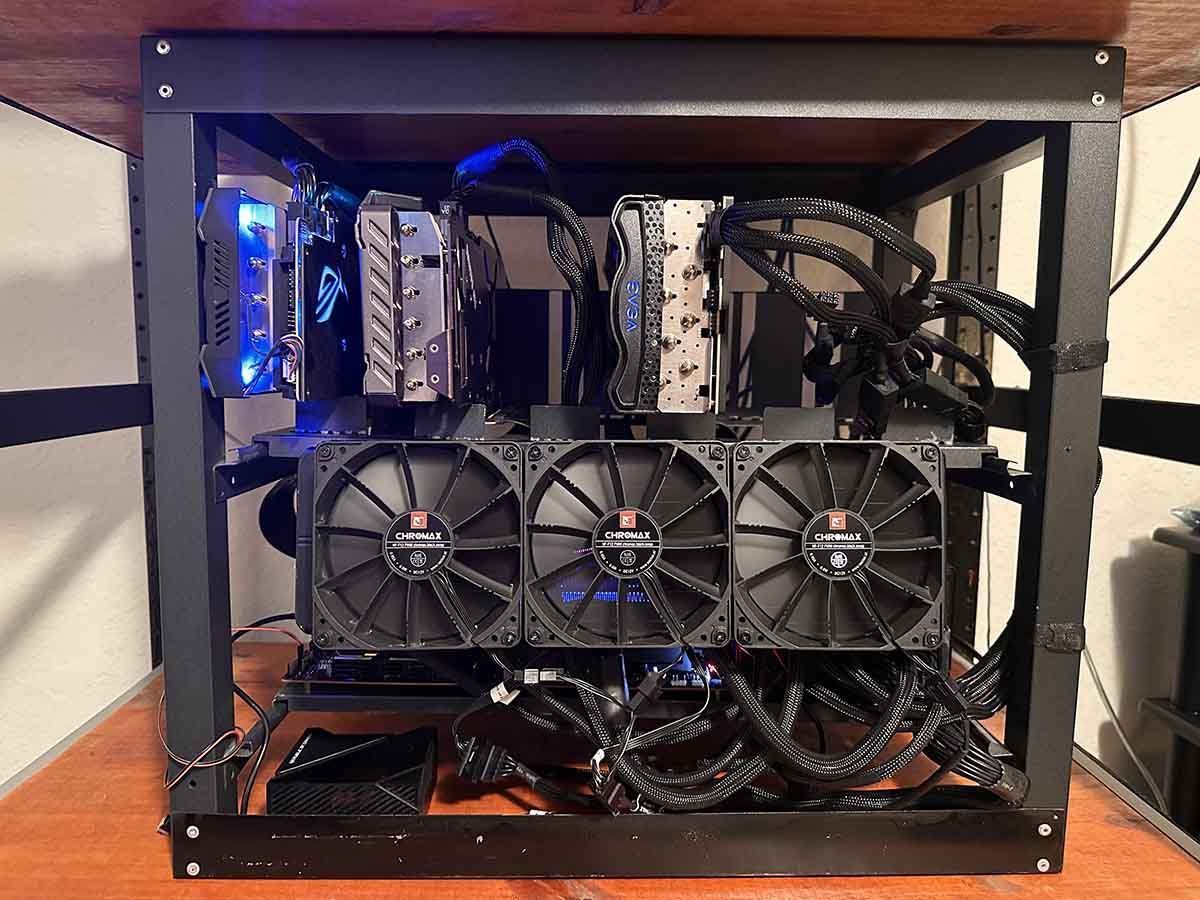
Deep Compute AI Server
A high-performance AI GPU server built from repurposed mining hardware and modern components, optimized for machine learning and computational tasks.
$7,500 build
Gateway 500SE - Revived Retro Masterpiece
Restored Gateway 500SE with 120GB SSD, 500W PSU, Sound Blaster 5.1, Win XP, and retro games. Includes tower, mouse, keyboard, display. Perfect for vintage PC fans. See it at CollierComputers.com!
$300 build
H510 Elite Dark Hero — Balanced Speed & Storage
Compact high-end PC with Ryzen 9 3950X, RTX 3090, 64 GB RAM, and 8 TB of ultra-fast PCIe 4.0 NVMe storage—built for 4K gaming and creative work.
$3,999 build
Main Gaming PC
Details coming-soon
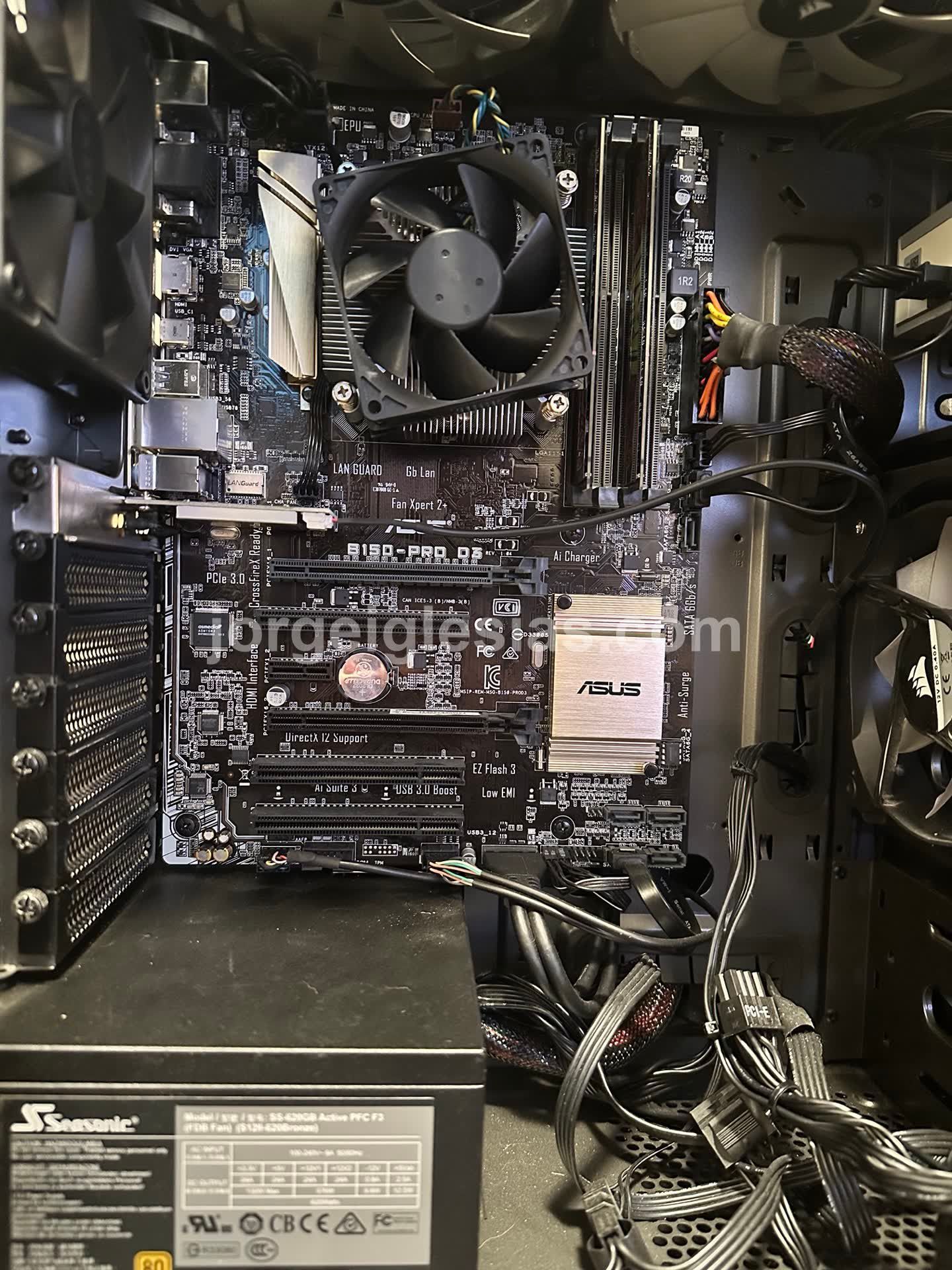
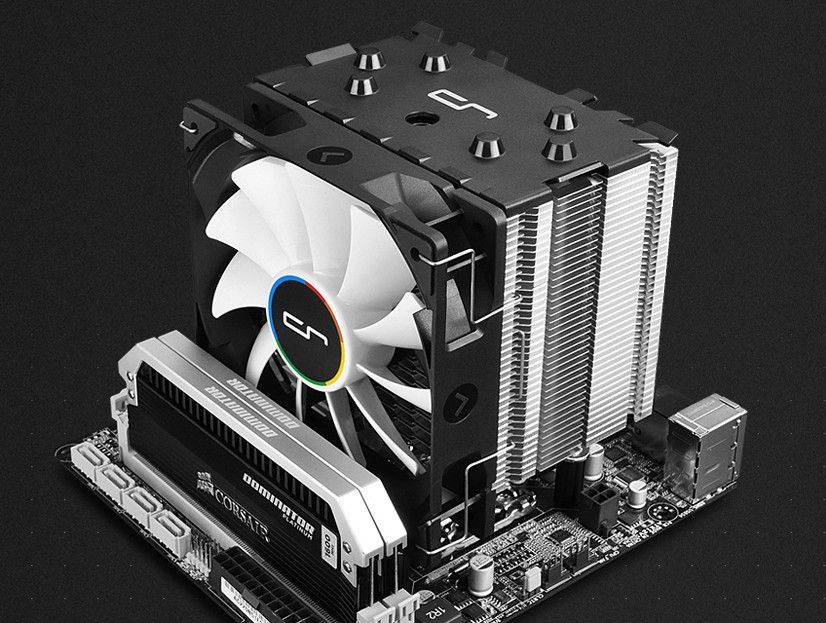
My OpenClaw PC: An Oldie But a Goodie
# My OpenClaw PC: An Oldie But a Goodie
This is the machine that keeps my OpenClaw project running. I pulled it out of the closet, where it had been sitting quietly, and gave it a brand‑new purpose: a dedicated OpenClaw PC.
## Why OpenClaw?
Rather than let a perfectly good computer collect dust, I wanted to make something useful out of it.
- **OpenClaw** is an open‑source framework that turns everyday hardware into an AI‑powered automation hub.
- I set it up to talk to my **Ollama GLM 4.7** model and to **Telegram** so I can trigger workflows from my phone or chat.
- The big, GPU‑heavy machine that does the heavy lifting for inference (a 3090, 3090 Ti, and 2080 Ti) stays in the background.
- The OpenClaw PC does its job fine on its own, without needing that level of power.
## The Beauty of Spare Parts
The whole build is a patchwork of parts I already had around the house:
- A used motherboard and power supply from an older build.
- Some extra RAM that sat in a drawer.
- A 1 TB hard drive that I’d been using for backups.
This shows you don’t have to buy the newest gear to make something work. An older, well‑chosen set of components can be a solid foundation—especially when they fit the job perfectly.
## Technical Specs
- **Case** – NZXT Phantom 410 Series, gun‑metal black trim
- **CPU** – Intel Core i5‑6400 @ 2.70 GHz (4 cores, turbo up to 3.3 GHz)
- **Memory** – 32 GB DDR4 RAM
- **Graphics** – Intel HD Graphics 530 (integrated, no discrete GPU)
- **Storage** – 1 TB SATA HDD (good for logs, not for speed)
- **OS** – Ubuntu 24.04.3 LTS (stable, secure, and free)
These specs are more than enough to run OpenClaw’s lightweight services and keep the telegram bot responsive.
## Looking Forward
I’m looking forward to turning this machine into a playground for AI experiments. Some ideas I’ve got in mind:
1. **Test new OpenClaw plugins** – I’ll try out the latest community add‑ons and see how they affect latency.
2. **Integrate additional services** – maybe a simple home‑automation script that runs on command from Telegram.
3. **Run small‑scale inference** – I’ll push a few quick tests to the 3090 GPUs on my main rig, while the OpenClaw PC keeps the “control panel” running.
The best part is that I can try new things without touching the main workstation. If something crashes, only the old PC takes the hit.
Keep an eye on my updates—this system is still learning, and I’ll share the results as I go.
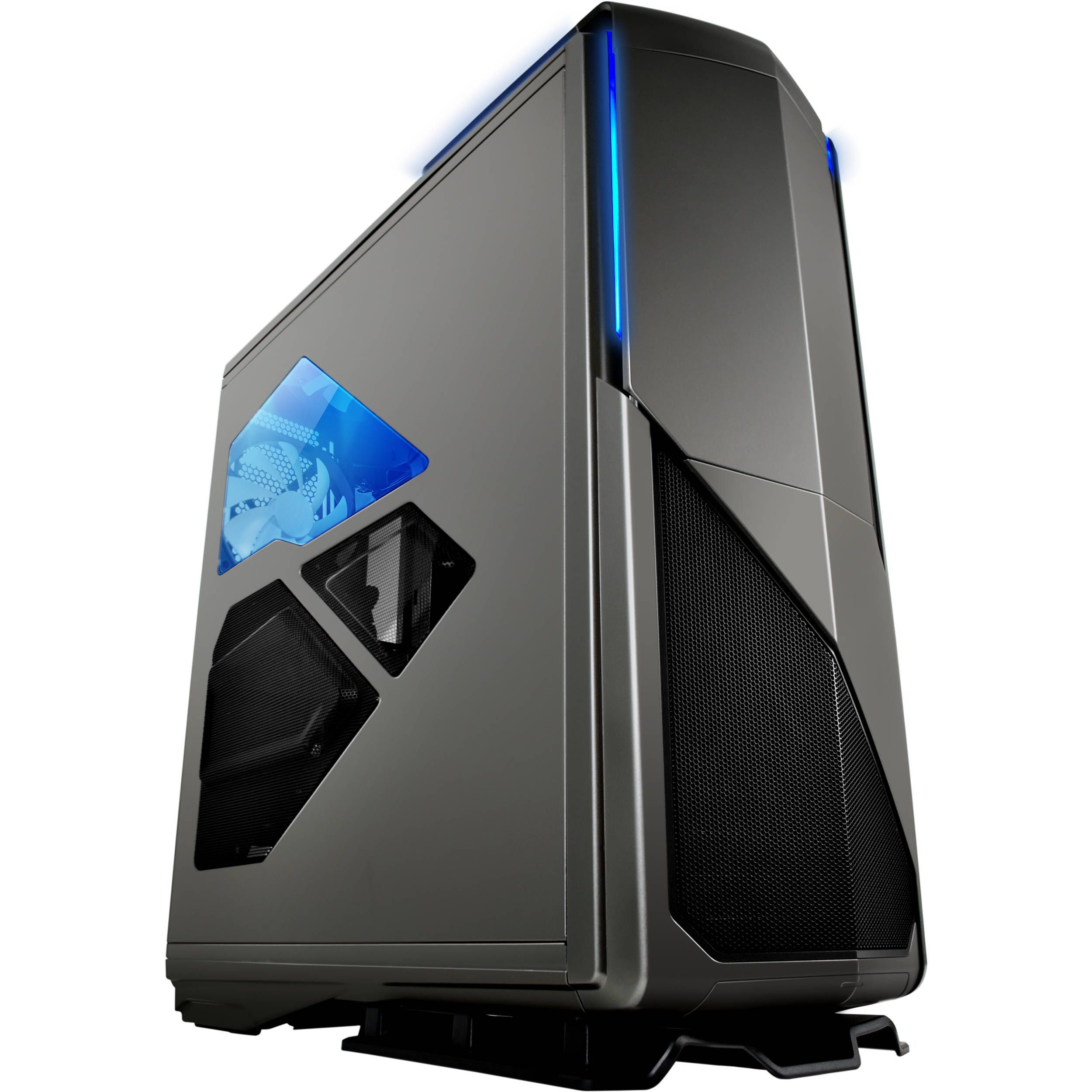
Phantom 820 Workstation — Storage-Heavy Linux/VM Powerhouse
Full-tower workstation with Ryzen 9 5900X, RTX 2080 Ti, 1 TB NVMe OS drive, and 13-drive SATA array—great for Linux, VMs, backups, and media editing.
$2,899 build
Phantom Elite Xtreme — Uncompromising Performance
The Phantom Elite Xtreme packs a Ryzen 9 5950X, RTX 3090 Ti, 64 GB RAM, and 10 TB NVMe storage for flawless 4K/8K gaming, rendering, and pro workloads.
$5,499.99 build