How to Save X Configuration File within Nvidia Settings on Ubuntu 24.04
September 12, 2024· Jorge Iglesias· Ubuntu
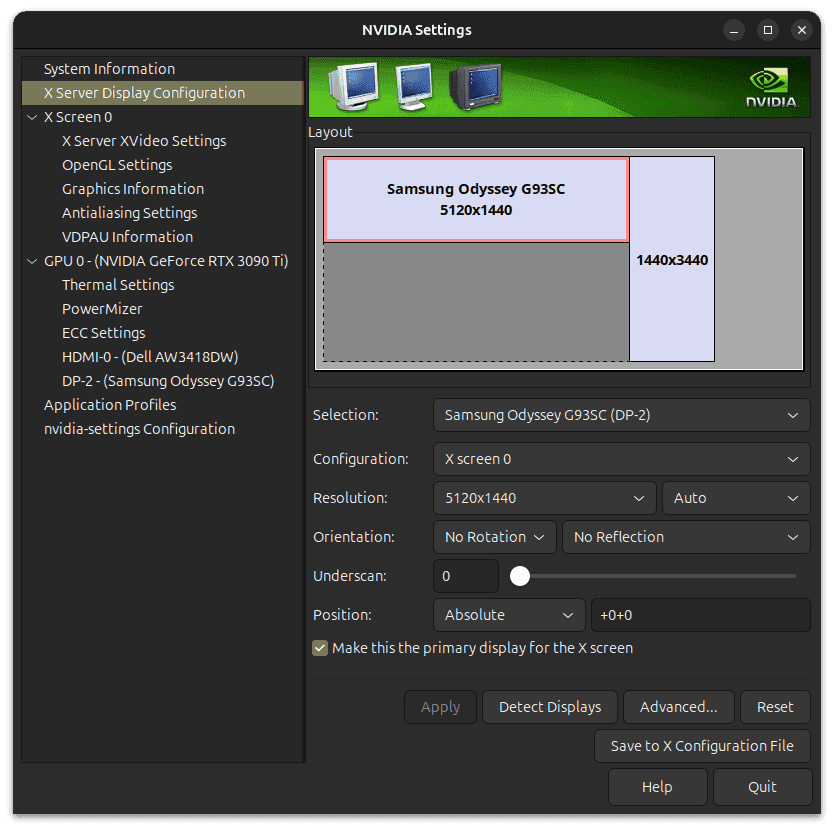
<p>If you’re struggling to save X configuration Nvidia Settings on Ubuntu 24.04, you’re not alone. As a longtime Ubuntu and Nvidia graphics user, I’ve always loved the simplicity of tweaking my display settings with the NVIDIA Settings app—until my recent upgrade to Ubuntu 24.04 threw me a curveball. Here’s how I fixed it, and how you can too.</p>
<h2 class="wp-block-heading">The Problem</h2>
<p>I’d launch nvidia-settings, adjust my display preferences—resolution, refresh rate, you name it—and then… nothing. The “Save” button was either grayed out or completely unresponsive. I tried tinkering with manual config files and scoured the web for alternative tools, but every workaround fell flat. Sound familiar?</p>
<h2 class="wp-block-heading">The Solution:</h2>
<p>After hours of trial and error (and a few too many cups of coffee), I found the fix that saved the day:</p>
<pre class="wp-block-code"><code>sudo nvidia-settings</code></pre>
<p>That’s it! Running the app with root privileges did the trick. Turns out, launching nvidia-settings from the GUI without sudo lacks the permissions needed to save changes. Once I used this command, the interface opened as usual, and the “Save” button worked like a charm.</p>
<p>There’s also a second option if you prefer a more hands-off approach:</p>
<pre class="wp-block-code"><code>sudo nvidia-xconfig</code></pre>
<p>This generates a new X configuration file automatically. For me, though, the first method was all I needed.</p>
<p>I hope this helps someone out there.</p>